Source: Optimizely
In addition to a high-resolution graphic, a hero image can and should contain your company’s unique selling point (USP). You can also attach it to a conversion goal, such as a signup form or a CTA button.
Dive deeper into the 'whats', ‘whys’ and ‘hows’ of hero images below, including:
- Why web design should prioritize hero images
- The different types of hero images
- 3 (big) things to remember when creating hero images
- Great hero image examples
- How to test different hero images using A/B testing
- Hero image testing ideas
Why should hero images be prioritized by web design?
People are highly visual things, so when there's a high quality, full-screen image at the top of their page, it can create a positive first impression.
Choosing the right hero image — whether it’s a high-quality photo, video, or illustration — immediately lets your visitors know that they’re in the right place. Hero images on media sites and blogs can also be used to catch the visitors' attention and draw them into reading the articles on the page.
In addition to being a must for an engaging user experience (UX), a hero image also adds value by directing users towards a desired link or call-to-action or presenting your business’ value proposition at the top of the webpage.
What are the different types of hero images?
Your hero images will help your value proposition stand out to your target audience as soon as they land on the page.
Browse your favorite sites and you’ll see these types of hero images:
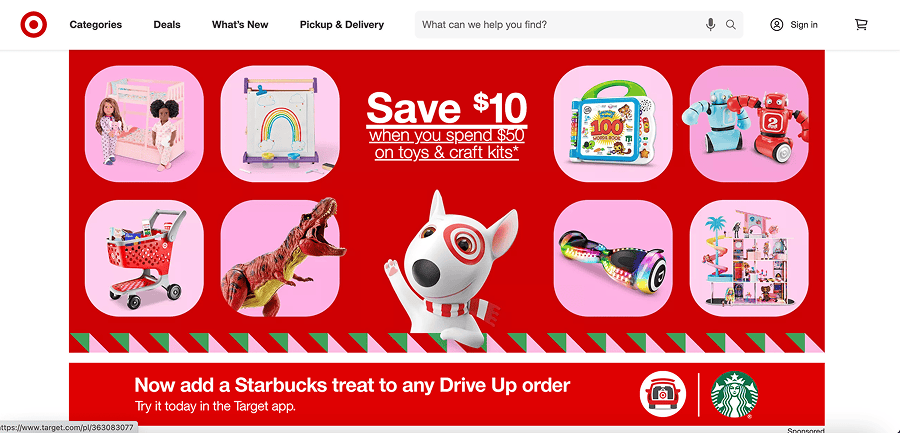
- Product photography: For many direct-to-consumer brands and e-commerce businesses, product photography or a carousel is the right choice because it immediately shows your visitor what’s available on your site.
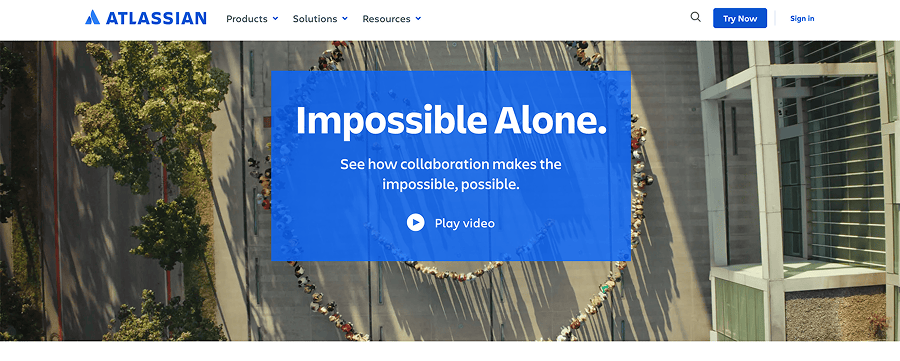
- Sizzle reels: For new products or businesses delivering services, a full-screen video known as a sizzle reel is the right choice. Sizzle reels are the perfect addition to a landing page because they communicate both information and emotion with very little space on the page.
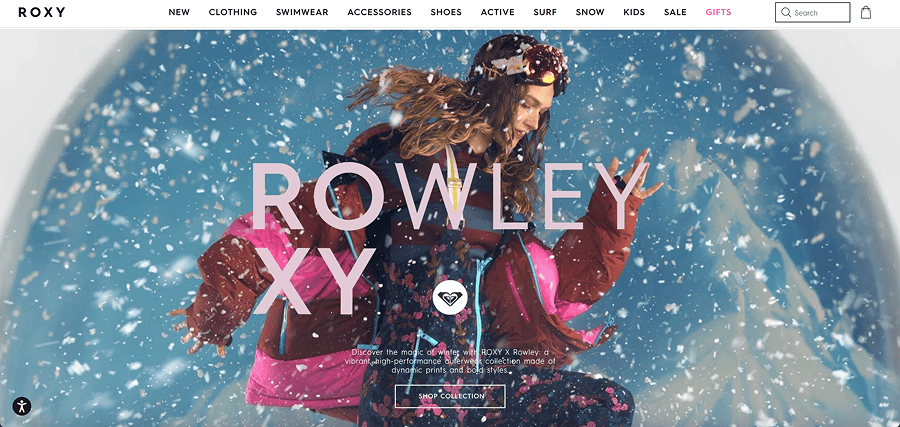
- Product benefit and emotional images: When you’re selling a benefit or feeling that’s attached to your product or service, your hero image might be emotional: it might feature people, places,
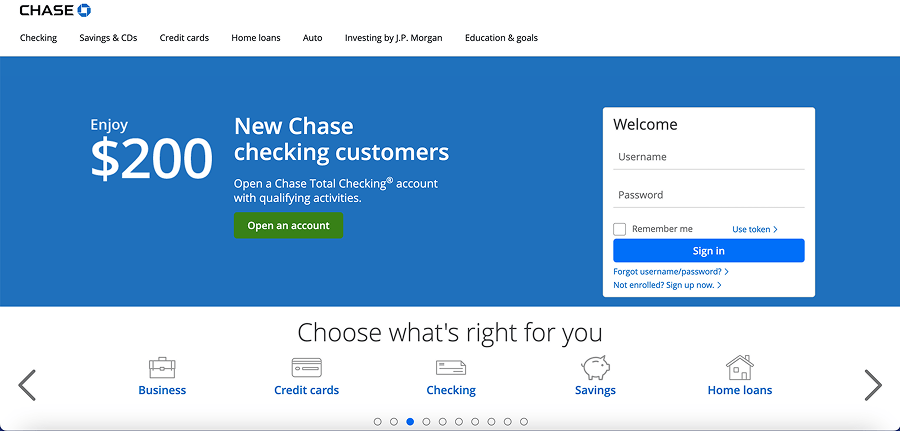
- Information-driven images: Hero images and carousels are also a great way to share information about new products and features, limited-time offers, and sales. Typography-only hero images can also be used to share important statistics about your product, customers, or industry.
3 things to remember when using hero images
Given their importance, you want your hero images to work hard for you. But there are couple of things you need to work hard on first.
1) Make sure your images are the right size
If images aren't the right size in your hero section, let's be honest: it will look bad. Given most screen sizes on the market today, a full-screen hero image should be 1280px by 720 pixels at an aspect ratio of 16:9to ensure they won’t damage load time. You should also ensure they are hosted on a fast CDN. When choosing your mobile-optimized images, you’ll aim for 800 x 1,200 pixels.
But it's not all about the how it looks on the page. The time it takes to load, for both mobile and desktop, is super important to user experience too. Based on research done by Google, it's proved that increasing page load speeds from 0.4 to 0.9 seconds can reduce traffic by 20%. All the power of your hero image is lost if it ultimately drives traffic away before it's even loaded.
Consider having your design team create hero image templates, where you can 'color between the lines' on any image.
2) Choose visuals that add value to the customer
Whether you choose product imagery, a sizzle reel video, or a stock photo, your image should convey the message you most want your customers to receive. Try to avoid irrelevant or ambiguous imagery.
If you’re ever unsure or in a stalemate with your colleagues, the best way to determine whether you’ve chosen the right product images is to test them. We’ll cover that in a second.
3) Make your hero image stand out
Your hero image should add visual interest to a page. You know, make the people that see it feel something. Whatever medium you choose, your imagery should stand out on the page and differentiate your site from your competitors.
A simple way to do this is to make sure you’re using overlays, gradients, and typography to prevent an image from laying ‘flat’ on the page. But there’s always room to go the extra mile, whatever your budget.
Remember that a sky-high budget isn’t a prerequisite for a high-quality hero image. While you want to avoid stock images where you can, using them doesn’t disqualify your site from appealing to customers. You could even use Adobe Photoshop to add a creative spin to even the most basic stock images. Even something simple as adding filters to the stock photos you choose will give a more cohesive look across your site than using those images as they exist — and you can even do this in a simple tool like Canva.
5 great hero image examples
If you're stuck for inspiration, we've chosen some great hero image examples to show you how other companies are doing it. Check them out!
Target